
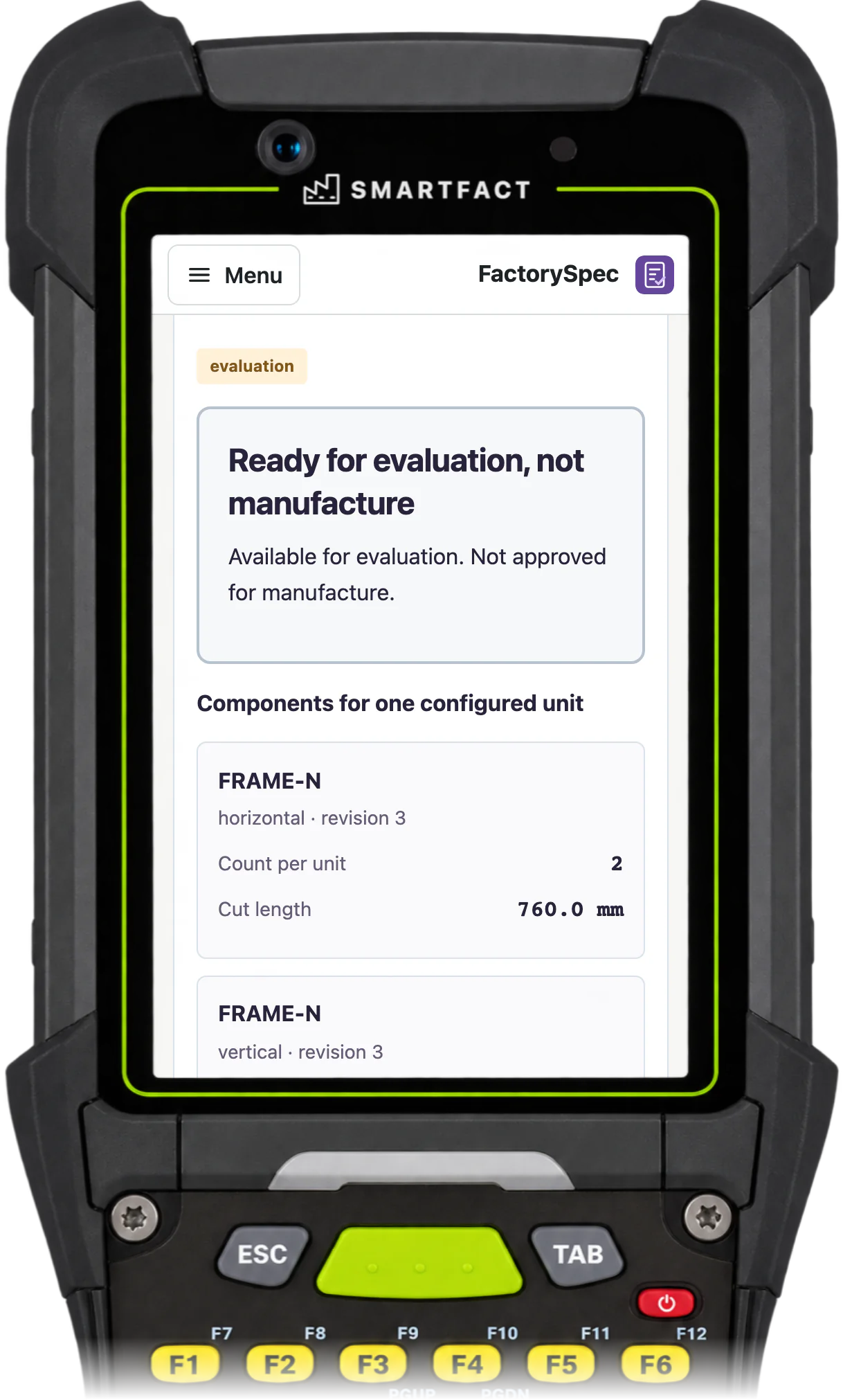

Constraints and conditions that change a requirement
Constraints block combinations that cannot be built, such as ‘Block a selected clear panel with a black finish’. Conditions change what a configuration needs: ‘Include the declared support line when finished width is more than 1,200 mm’ omits it at 1,200.0 mm and includes it at 1,200.1 mm. Once a release is approved and activated, FactorySpec applies those rules to each configured unit automatically, with no AI call during evaluation.
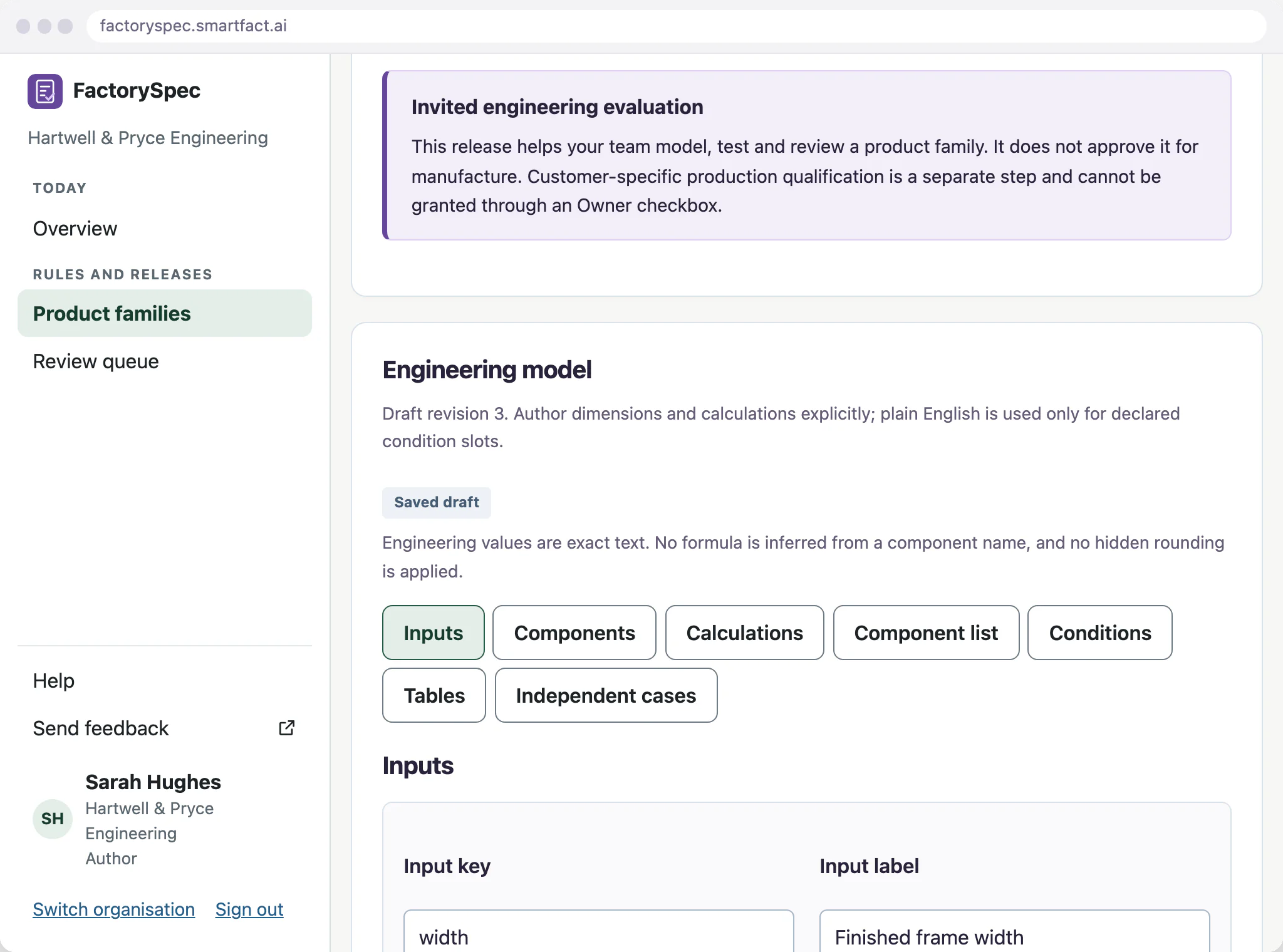
Bill of materials lines included by rule
A configurable bill of materials, sometimes called a 150% BOM, holds every line a product family can use. FactorySpec includes an optional line when its condition is true and leaves it out when the condition is false. If the data a condition needs is missing, it stops without a result instead of treating the gap as a ‘no’. It calculates counts and cut lengths from your engineering formulae.
Calculations from your engineering values
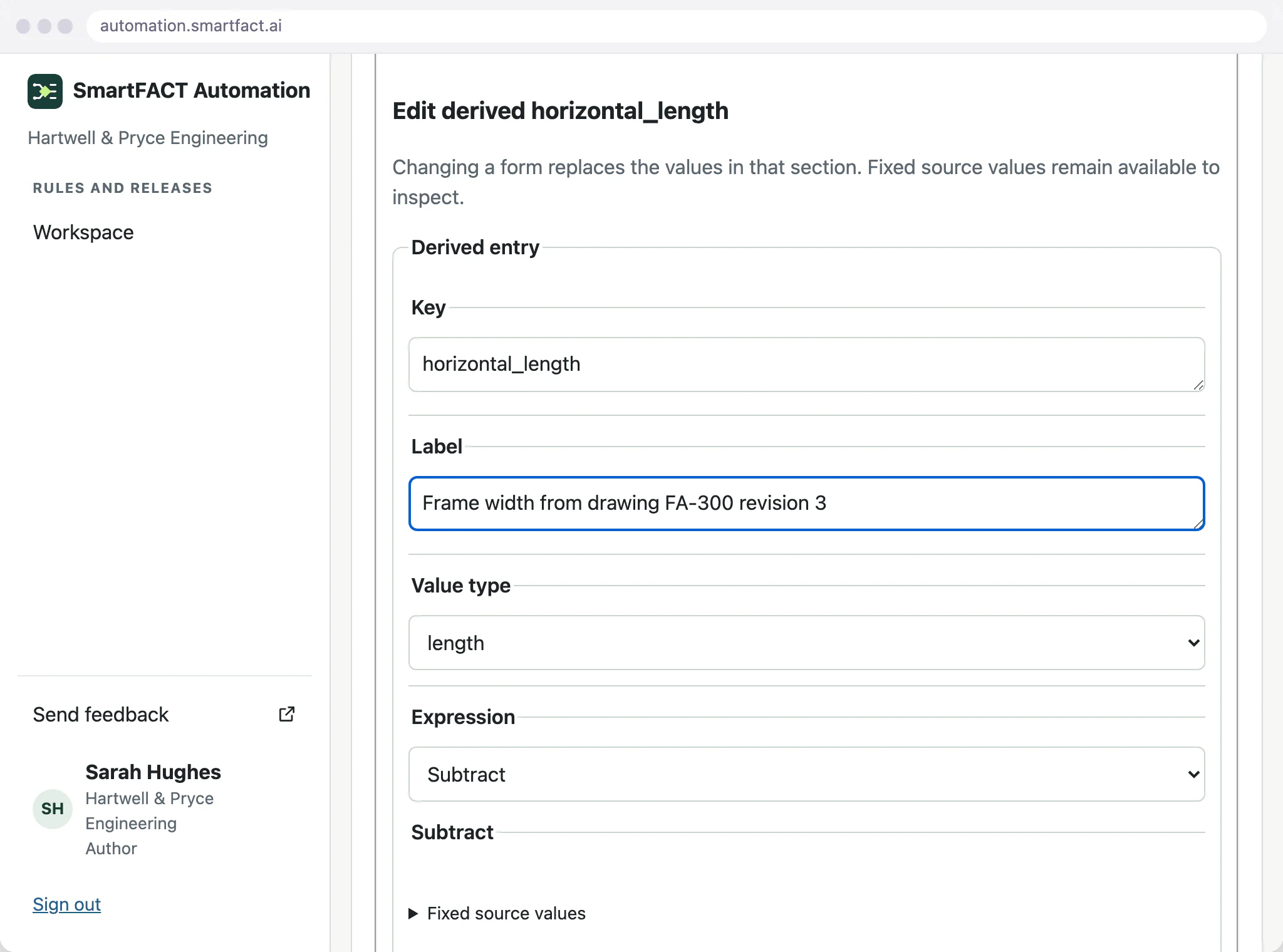
Formulae, tables and rounding come from your engineers. A supplied change such as ‘set horizontal_length to width minus 42 mm’ gives 758.0 mm members at an 800 mm width, and the expected answers are worked out independently before review.
Test the edges as well as the ordinary order
A condition that says greater than 1,800 mm needs examples below, at and above 1,800 mm. Expected results come from approved product knowledge, worked out independently of the rule being tested, and the Author runs them before requesting review.
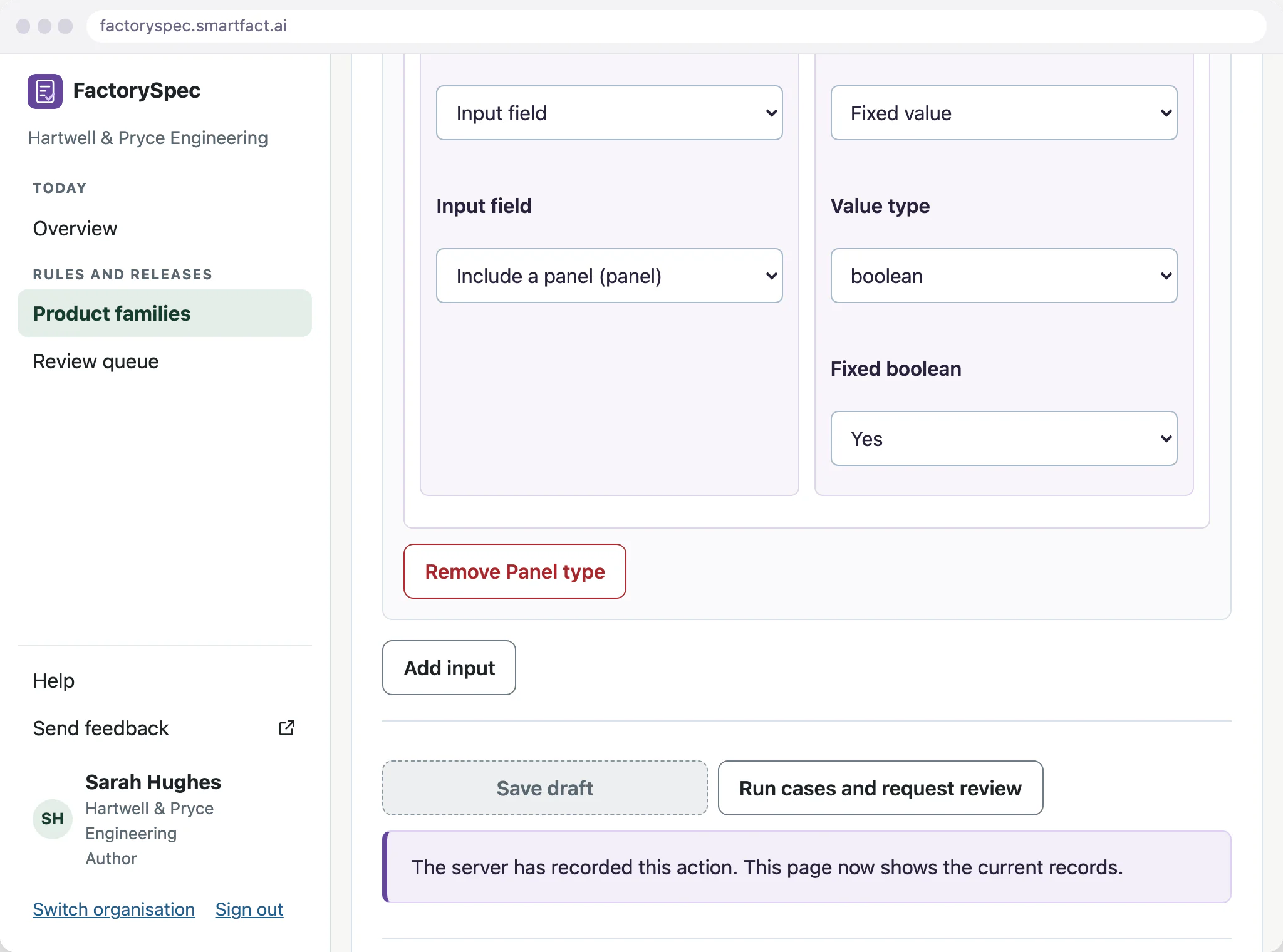
Keep approval separate from a draft
A different Reviewer compares the model changes, units and expected examples before approving, and someone who contributed to the candidate cannot approve it. Approval keeps that release unchanged, and activating it for new work is a separate step. Earlier results keep the inputs and release that produced them.
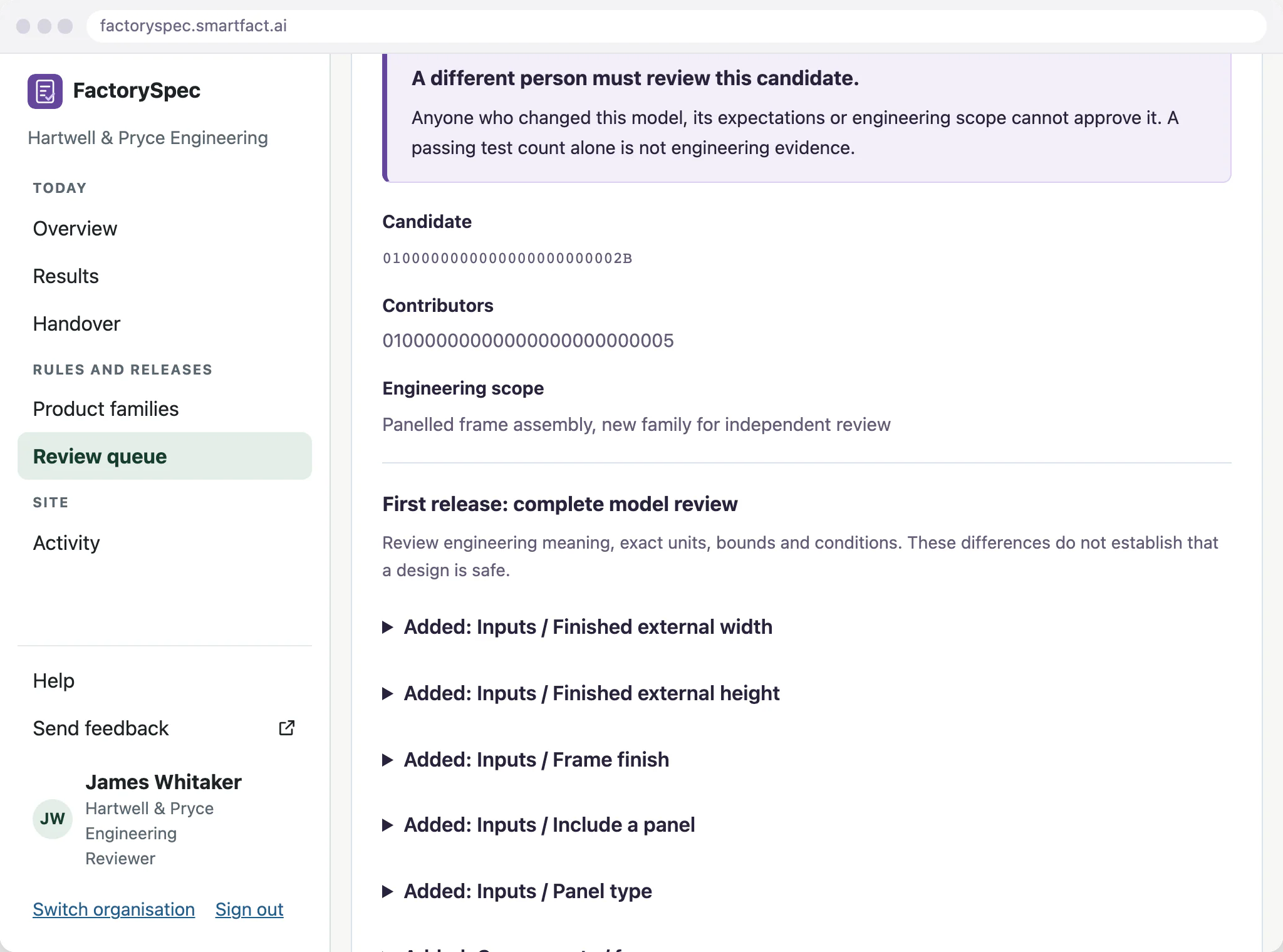
Writing and approving these rules in SmartFACT Automation
Constraints, inclusion conditions and calculations can be described in plain English in SmartFACT Automation, where AI proposes the rule with a plain restatement, or built in the structured editor. A rule made either way is checked against examples your team agreed in advance, and a reviewer approves it before FactorySpec applies it. FactorySpec then runs the approved rule, with no AI call when the decision is made. Automation is included with the paid FactorySpec plan.
What FactorySpec does not do
- Write the engineering. Your engineers supply the calculations and the expected answers.
- Rewrite earlier results when a rule changes.
- Prove a model correct. Expected examples and impact comparisons check a sample of cases.
- Permission to manufacture on its own. Each result shows its current eligibility, and production use needs your recorded engineering approval for that product family.
Common questions
Is this CPQ?
No. CPQ software prices and quotes configurations. FactorySpec produces the manufacturing outputs: valid options, components, counts and dimensions.
What is a configurable bill of materials?
A master BOM holding every line a product family can use, with rules that include the right lines for each configuration.
Does AI set dimensions or safety limits?
No. Your engineers supply the values and formulae. AI can only help write a rule from them, and the result is tested and approved.
What happens when a rule changes?
An Author saves a draft revision, runs the expected examples and submits it. A different Reviewer checks and approves it, and activating it for new evaluations is a separate step. Results already accepted keep the release and inputs that produced them.
Related pages
Start free at one station and pay when you grow. While SmartFACT is in early access, we set your first workflow up with you.


